
Microsoft has released another UI kit for Figma! This one is named the Microsoft 365 UI Kit. It allows you to design responsive applications that span the Microsoft 365 ecosystem. It allows for quickly designing applications and mock-ups using Figma’s popular interface.
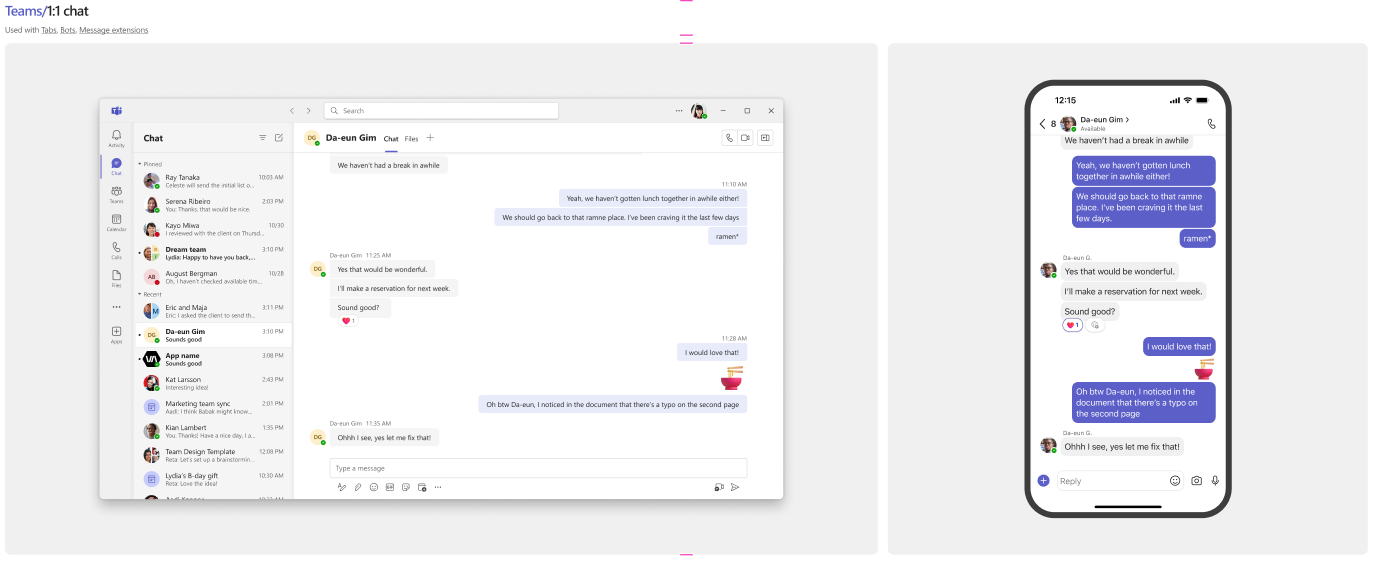
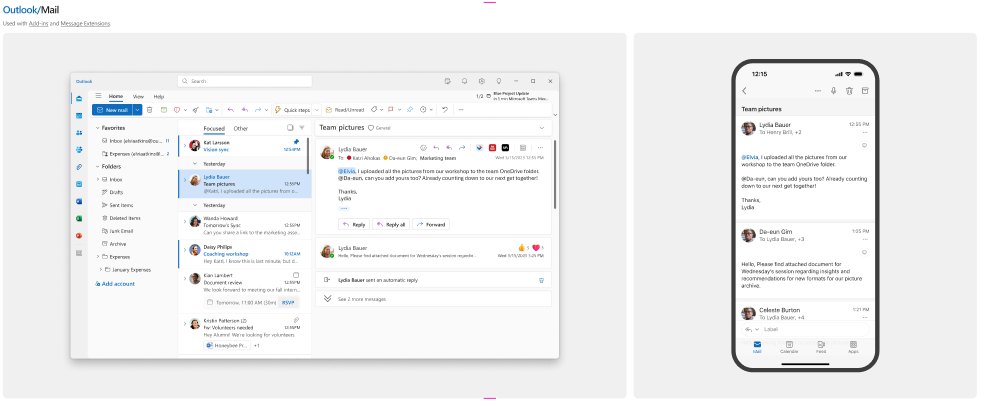
This UI kit also provides guidance for apps running in Teams and Outlook. There’s pre-built screens to mimic the web and mobile interfaces.
It’s also got a very handy ‘Getting Started’ section so you get your environment set up properly, and work with your team collaboratively on solutions.
List and Library formatting?
I’m ready to help you. My online course will teach you the whole process.
What is Figma?
Figma is a powerful cloud-based design tool that has revolutionized the way designers, developers, and teams collaborate on creating digital interfaces. It provides a versatile platform for designing, prototyping, and sharing user experiences seamlessly. What sets Figma apart is its real-time collaboration feature, enabling multiple users to work on the same project concurrently, fostering a more dynamic and efficient design process.
With Figma, designers can create interactive and responsive prototypes, making it easier to visualize and communicate the flow and functionality of a digital product. The tool supports vector editing, allowing for the creation of scalable and high-quality designs. Figma’s cloud-based nature means that projects are accessible from any device with an internet connection, facilitating collaboration among distributed teams and promoting a more flexible and adaptive workflow.
In addition to its design capabilities, Figma also offers features for version control, commenting, and sharing, streamlining the feedback loop and enhancing communication throughout the design and development phases. Whether you’re a solo designer or part of a collaborative team, Figma’s intuitive interface and collaborative functionalities make it a go-to tool for modern interface design projects.
Getting Started
To get started with this kit, you’ll want to head over to the Microsoft 365 UI Kit product page. From there, you’ll log into Figma and begin designing!
If you’re not familiar with these UI kits, there’s also a SharePoint Web UI Kit available for more SharePoint-centric solutions.
